


iMessage
Find the numbers registered for iMessage and use the exported results to build your send list.
Check Apple ID association for phone numbers or email addresses and record the results in your contact list.
Check which numbers have RCS enabled, then sort your list for RCS, SMS, or review.
These fictional scenarios show how teams check contacts in bulk for retail campaigns, account handoffs, and service notices, then use each result to choose a channel or arrange a review.

During a busy presale, support used to spend time rechecking numbers and calling members who missed an alert. Now we check our opted-in US numbers in bulk and give the campaign team an iMessage list before launch. We review unresolved entries together, so support has more time for questions about products and orders.
Check iMessage registration, Apple ID associations, and RCS availability. Download a result for each entry to sort outreach by channel or follow up with your team.
Check iMessage registration and RCS availability from phone lists. Use iCloud to see whether a phone number or email is linked to an Apple ID.
A single contact list can include numbers suited to different channels. Check iMessage registration first, then use the results to plan your lists and fallback channel.
Use CSV or TXT with one identifier per row. Include country codes for phone numbers and submit a list for one country. Email lists require no country selection.
Review the input type, unit price and minimum billing shown for the selected product.
Download the completed task and read the registration or association field in the context of its product. Record which signal you checked.
Submit a file using the bulk API, then track the task and fetch the completed result.
Bulk API docsPOST /api/v1/bulk-taskscurl -X POST "https://api.bubblelookup.com/api/v1/bulk-tasks" \
-H "X-API-Key: sk_your_api_key" \
-F service_type=imessage_batch \
-F country=US \
-F [email protected]Compare checks, prepare a list for upload, and learn how to read the results.
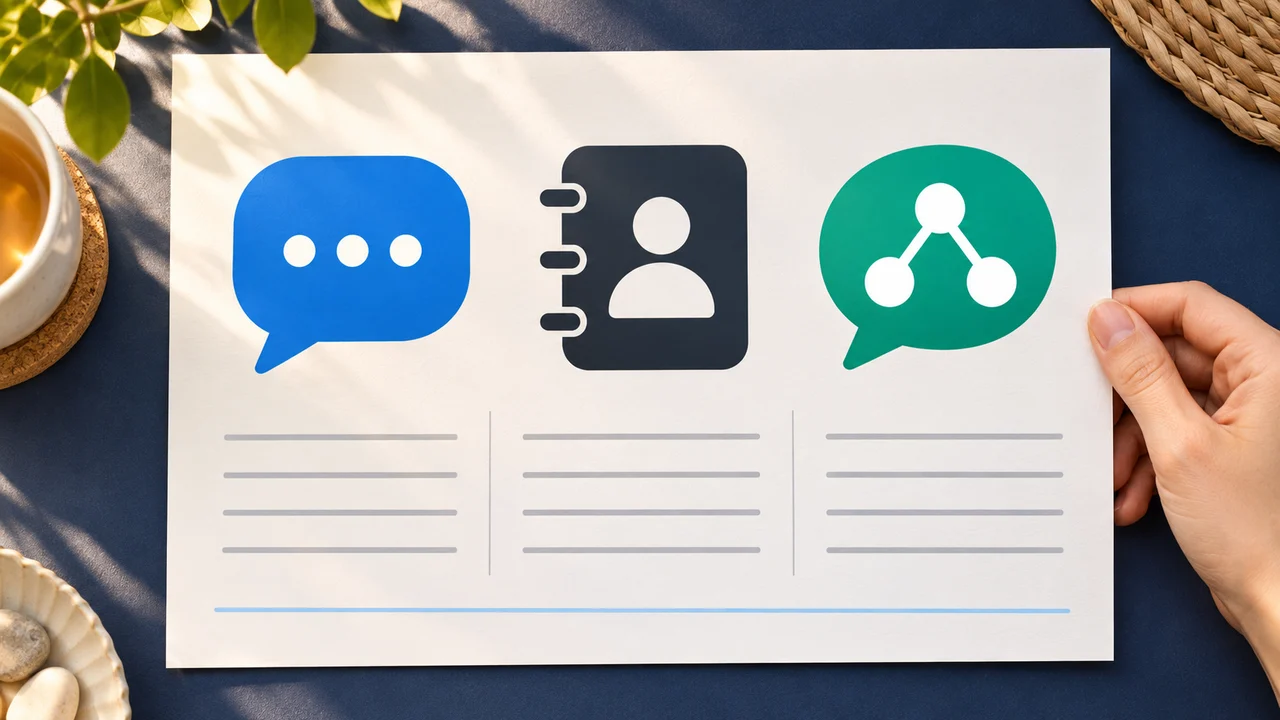
iMessage registration, Apple ID association, and RCS availability answer different questions. Choose the check that matches your decision.
Read article
Read each row in the context of the selected product. Keep inconclusive and missing rows separate when updating your records.
Read article
Keep each upload to a single identifier column. Group phone lists by country and keep the original contact IDs in your own records.
Read articleLearn how to read results, how minimum billing works, and how to prepare your files.
The result file reports iMessage registration, Apple ID association, or RCS availability for each item, depending on the product.
Upload a file, track the task in the console, and download the results when it finishes.
Top up your balance or select a 30-day plan. Product prices and bulk minimums are shown before you submit.
iCloud checks Apple ID association. Use the dedicated iMessage bulk product to check iMessage registration.
Email files need no country selection. For phone files, include the country code and submit one country per task.

